Your wallets. Connected chains. Verifiable transfers.
Our custom bridge interface connects Stellar with Solana and supported EVM networks through Axelar’s Interchain Token Service (ITS). Choose a route, review the transfer in your wallet, and follow its progress across chains.
The current app uses test networks, with Stellar on one side of every transfer.
The interface supports Stellar testnet ↔ Solana devnet and Stellar ↔ EVM test-network routes, not direct EVM-to-Solana or EVM-to-EVM transfers.
EVM choices include Ethereum Sepolia, BNB Testnet, Base Sepolia, Arbitrum Sepolia and OP Sepolia. A network appearing in the menu does not guarantee that a selected token is deployed there or that the route is currently available.
The current configuration centres on TEST4. The app checks token deployment and compatibility before confirmation; missing or unverified deployment can block the transfer. It is not an unrestricted bridge for arbitrary tokens.
Connect the wallets for your route.
Use Freighter for Stellar, Phantom for Solana, and a compatible EVM wallet such as MetaMask.
For the Stellar-to-Solana walkthrough, connect Freighter and Phantom, select Stellar as the source and Solana as the destination, then choose the token, amount and recipient address.
Check the wallet networks and recipient carefully. You need the selected test token and enough native test currency for network and cross-chain gas fees. Wallet support can differ on mobile; the walkthrough shows the desktop flow.
Review before you sign.
Confirm the token, destination, amount and gas details in both the app and your source wallet.
Click Bridge, review the deployment check, and choose Confirm Bridge only when the route is ready. In Freighter, open Transaction Details and verify the destination chain, destination address, token amount and gas token before signing.
Raw amounts use the selected token’s base units, not necessarily XLM or lumens. In this TEST4 example, 1,000,000,000 Stellar-side base units represent 100 TEST4 because the source token has seven decimal places. Token decimals can differ between chains.
Follow the transfer to its destination.
A successful source transaction is not proof of destination delivery.
The app tracks submitted transfers and provides explorer links. For Stellar-to-Solana, inspect the source transaction on Stellar Expert and follow Stellar → Axelar → Solana on Axelarscan.
Verify destination execution and the correct recipient’s token balance. A displayed balance alone does not prove that this transfer arrived. Inbound tracking from EVM or Solana to Stellar remains unverified; do not treat an unrelated deposit as confirmation.
Save the transaction links before leaving or reloading. The app’s tracking context is not a persistent transaction history, and closing tracking does not cancel or resend a transfer.
Built on Axelar. Still a testnet app.
Axelar publishes audits of its infrastructure; using it does not remove bridge or smart-contract risk.
Our interface uses Axelar ITS smart contracts. Axelar’s published audit reports ↗ include ITS and Stellar integration contracts. Those reports cover their stated versions and scope; they are not an audit of our custom interface or a guarantee for every deployment.
Network availability, relaying, gas and token compatibility can delay or prevent delivery. This page and its walkthrough do not establish mainnet readiness or guarantee completion.
Testnet only. Use test assets, not real funds. Confirm the current route and token status in the app before signing.
Watch the walkthrough
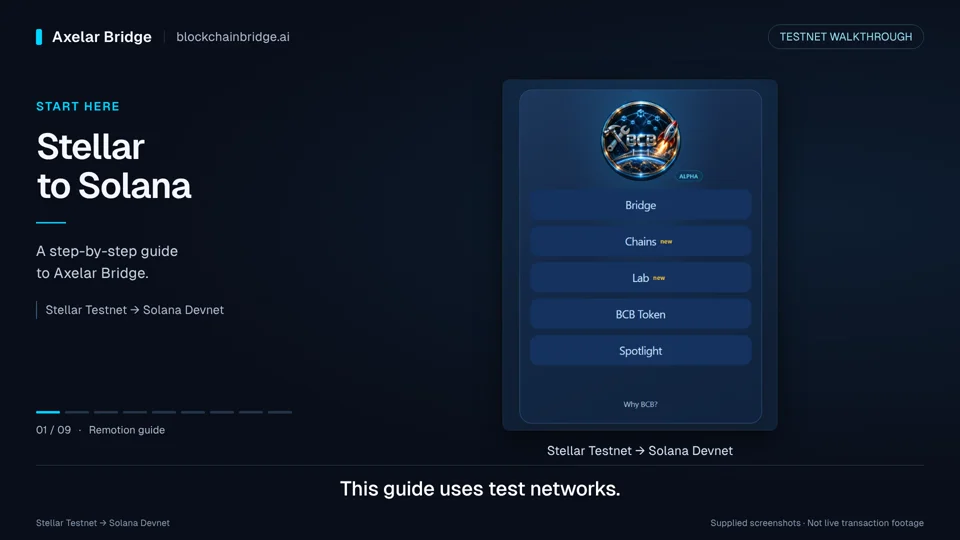
A 1-minute 49-second guide using supplied screenshots, not live transaction footage. It follows a TEST4 transfer from Stellar testnet to Solana devnet, with English narration and on-screen captions.
Choose Watch video to start. If playback does not start, press Play in the player or use Open video to watch it separately. On small screens, try fullscreen in landscape.
Stellar to Solana, step by step
Preview explainer · Work in progress
Connect Freighter and Phantom, review the route and wallet approval, then follow the transaction on Stellar Expert and Axelarscan. Check destination execution as well as the recipient’s balance.